
Partner Knowledge Base
View Customer Users
What role/s can view this? Partner admin, Partner provisioning & Partner deployment of customers.
The Customer Users tab will list all users associated with the selected customer and allow you to create new users and manage their details.
The actions are the same as when managing users within the Users & Roles area.
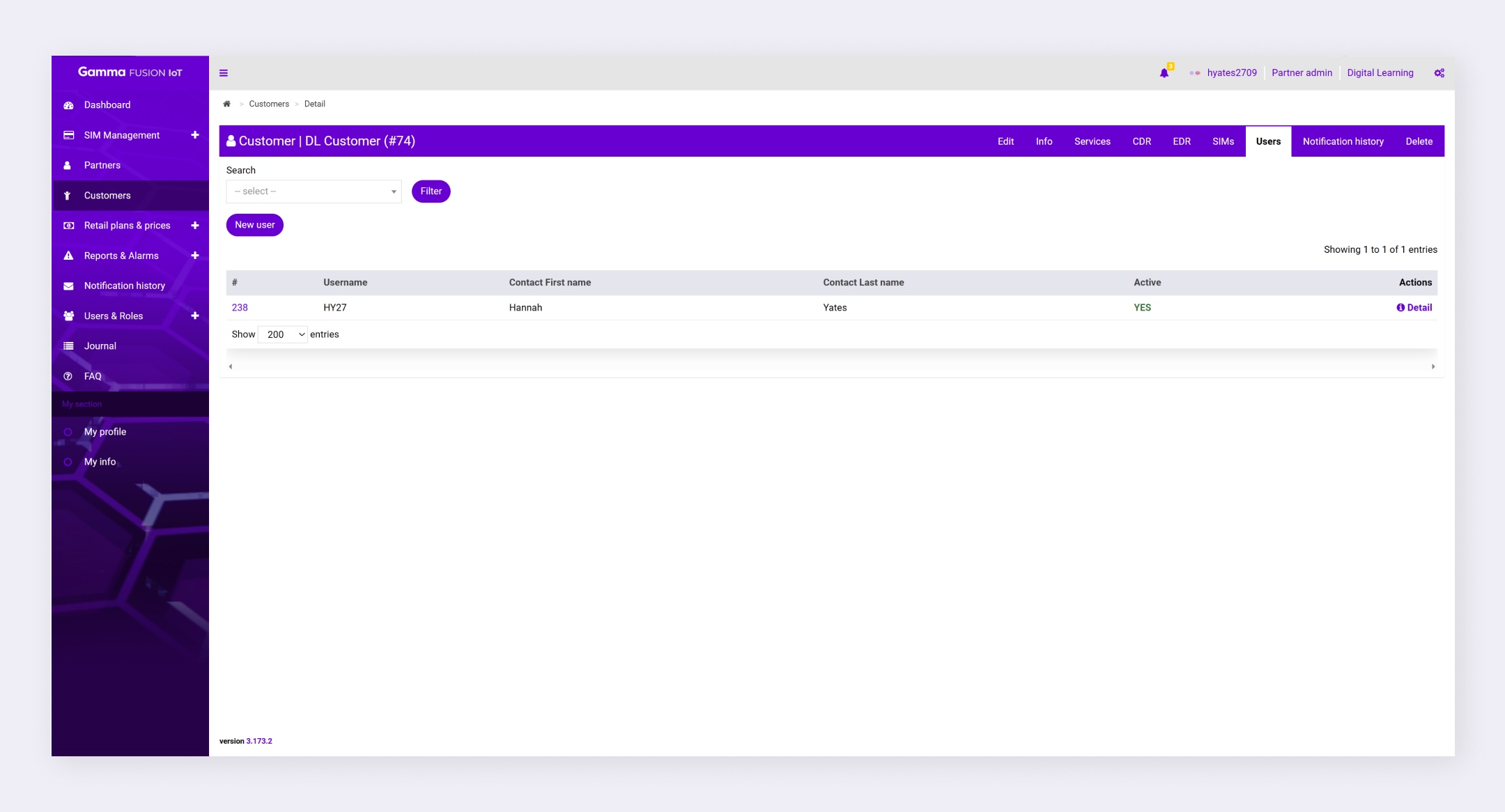
To view customer Users:
- Navigate to Customers
- Click Detail in the Actions column for the relevant customer
- Select the Users tab