
Partner Knowledge Base
Customer Overview
The Customers area is where you can create and manage your customer’s accounts. All customers will be listed in an overview table that can be filtered if you have a large customer base. You can then select a specific customer to view their details and manage their services.
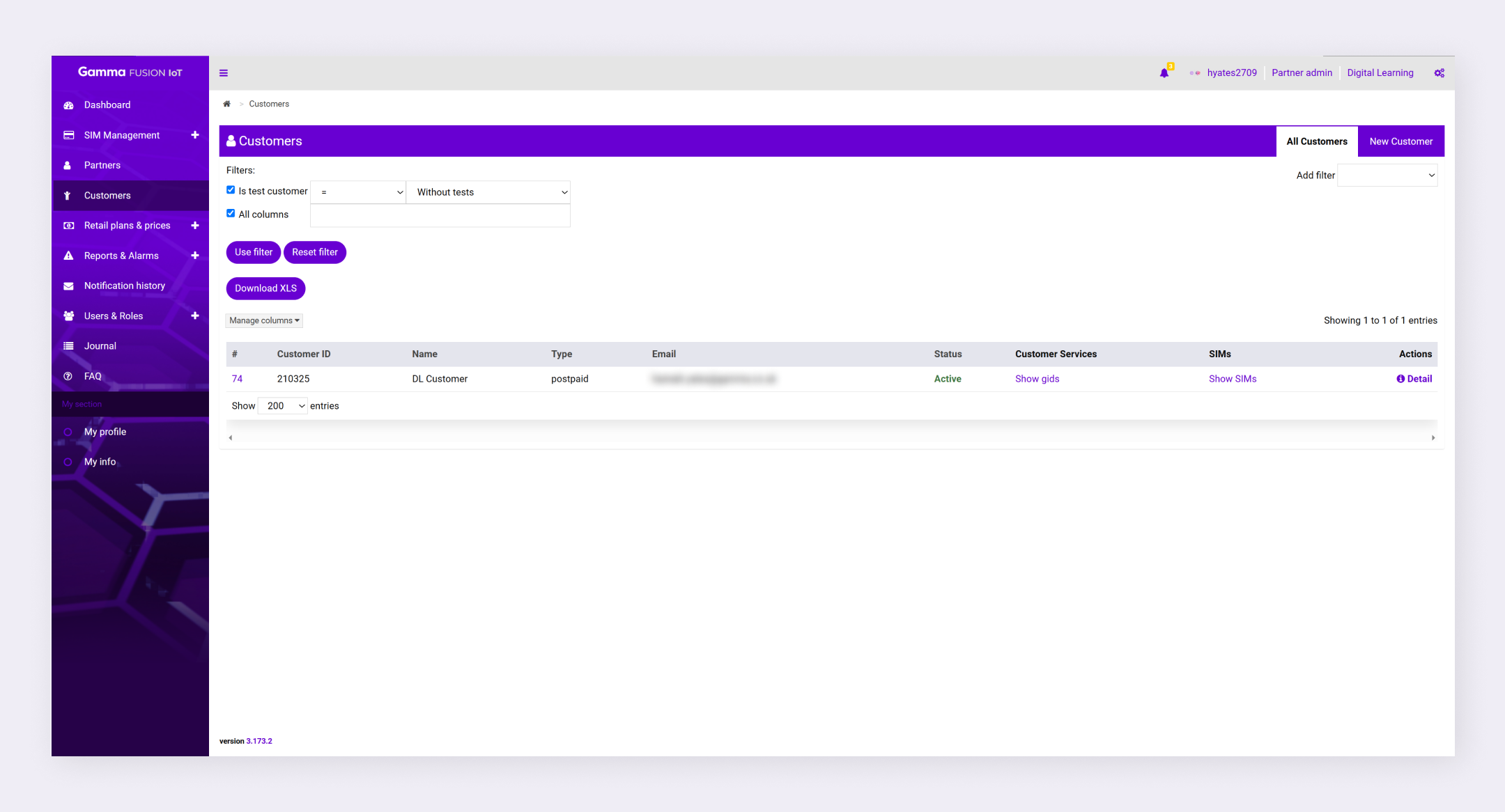
To view information about a specific customer:
- Navigate to Customers
- Locate the relevant customer
- Click Detail in the Actions column
The portal displays the customer information.
Customer details #
When viewing customer details, navigate through different tabs to view information about the customer.
| Tab | Description |
|---|---|
| Edit | The Edit tab allows partners with the appropriate role to make changes to the customer. See Edit customers. |
| Info | The info tab presents key information about your customer’s account. |
| Services | The Services tab is where you can create customer services that will be associated with SIMs when they are assigned to customers. See Create and manage customer services. |
| CDR | The CDR (Call Detail Record) tab lists any call detail records that have been captured and provides the option to export them for analysis. |
| EDR | The EDR (Event Detail Record) tab lists any events, such as a notification or email, that have been sent. |
| SIMs | The SIMs tab will list all SIMs that are assigned to your customer’s account. |
| Users | The Users tab will list all users that are associated with your customer’s account. |
| Notification History | The notification history tab will list all notifications that have been sent. |
| Delete | The Delete tab allows partners with the appropriate role to Delete a customer. |
| Note: The details shown are dependent on the partner role. |