
Partner Knowledge Base
View Roles
What role/s can do this? Partner admin.
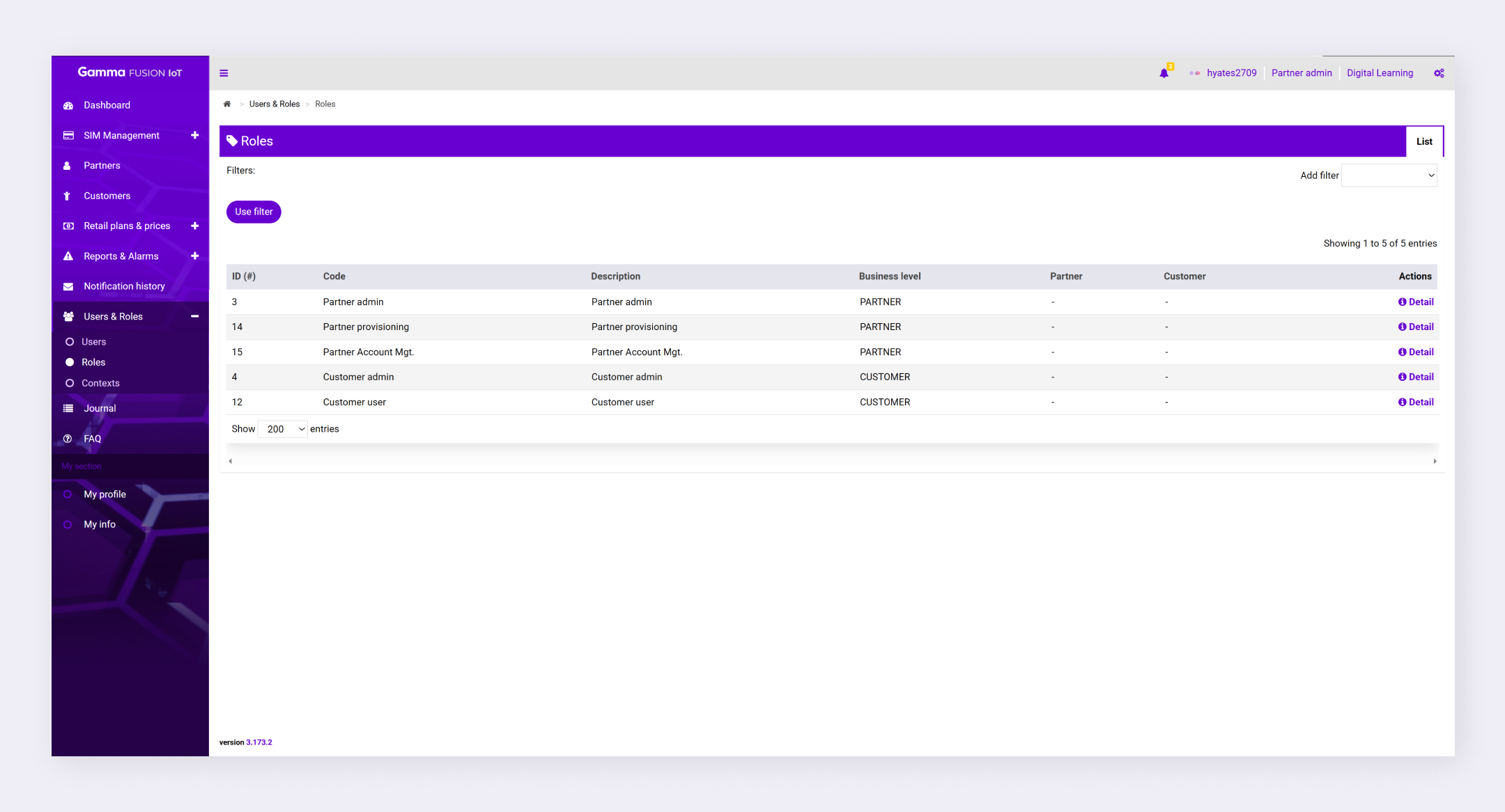
Any roles that have been made available by your service provider can be viewed by navigating to Users & Roles → Roles.
View Role details #
Role details breaks down all the actions available within the role and lets you view the users who have access to the selected role.
- Navigate to Users & Roles → Roles
- Click Information in the action column
The role details page displays with 3 tabs of information (info, actions and users).
| Note: Business level relate to the portal that the role is associated with. |